CareUEyes
 Eye strain from computer use is one of the most common problems in today’s digital world. If you experience eye strain on PC, you’re not alone.
Whether you’re working, gaming, or browsing for long hours, prolonged screen time can lead to eye fatigue, headaches, and visual discomfort.
In this guide, you’ll learn:
- What causes eye strain from computer use
- The most common symptoms
- And how to reduce eye strain effectively
- Why tools like CareUEyes can help make eye protection easier and more consistent
What Causes Eye Strain When Using a Computer
Eye strain using a computer is usually caused by a combination of factors—not just one issue.
Prolonged Screen Time
Focusing on a screen for long periods forces your eyes to work harder than usual.
Reduced Blinking and Dry Eyes
When using a computer, people tend to blink less, which leads to dryness and irritation.
Poor Lighting Conditions
Too much or too little light forces your eyes to constantly adjust, increasing strain.
Screen Settings That Cause Eye Strain on PC
Brightness, contrast, and color temperature all affect visual comfort.
Many users find that manually adjusting these settings is difficult to maintain consistently—especially during long work sessions.
Eye Strain from Blue Light
Blue light from screens can contribute to discomfort, especially at night.
If you’re concerned about this, using a dedicated blue light filter for PC can help reduce unnecessary strain during extended screen use.
Computer Eye Fatigue Symptoms
Computer eye fatigue, also known as digital eye strain or computer vision strain, refers to a group of vision-related symptoms caused by prolonged screen use.
Common signs include:
- Tired or heavy eyes
- Dry or irritated eyes
- Blurred vision
- Headaches
- Difficulty focusing
- Visual discomfort
Why Blue Light Is NOT the Only Problem
While blue light gets a lot of attention, it’s not the main cause of eye fatigue.
More important factors include:
- Long continuous usage
- Poor brightness and contrast
- Lack of breaks
- Incorrect viewing distance
Focusing only on blue light often ignores the bigger picture.
How to Reduce Eye Strain from Computer
Here are practical ways to reduce computer eye strain:
Follow the 20-20-20 Rule
Every 20 minutes, look at something 20 feet away for 20 seconds to relax your eye muscles.
Adjust Brightness and Contrast
Your screen should match the lighting around you. If it’s too bright or too dim, your eyes will strain.
Using a screen brightness controller can make it easier to maintain comfortable brightness throughout the day.
Optimize Color Temperature
Warmer tones are easier on the eyes, especially in the evening.
Improve Your Workspace Setup
- Keep your screen 16–30 inches away
- Position it slightly below eye level
- Reduce glare from lights or windows
Blink More Often
Consciously blinking helps prevent dryness and irritation.
Why Manual Adjustments Are Not Enough
While these methods help, they require constant attention.
You may:
- Forget to adjust brightness
- Skip breaks
- Work under changing lighting conditions
This is why many people still experience eye strain from PC use.
The Most Effective Way to Reduce Eye Strain
The most practical solution is to automate your screen adjustments.
Use CareUEyes to Protect Your Eyes
A tool like CareUEyes is designed specifically to reduce eye strain from computer use by combining multiple protective features.
It helps by:
- Automatically adjusting brightness and color temperature
- Reducing blue light based on time of day
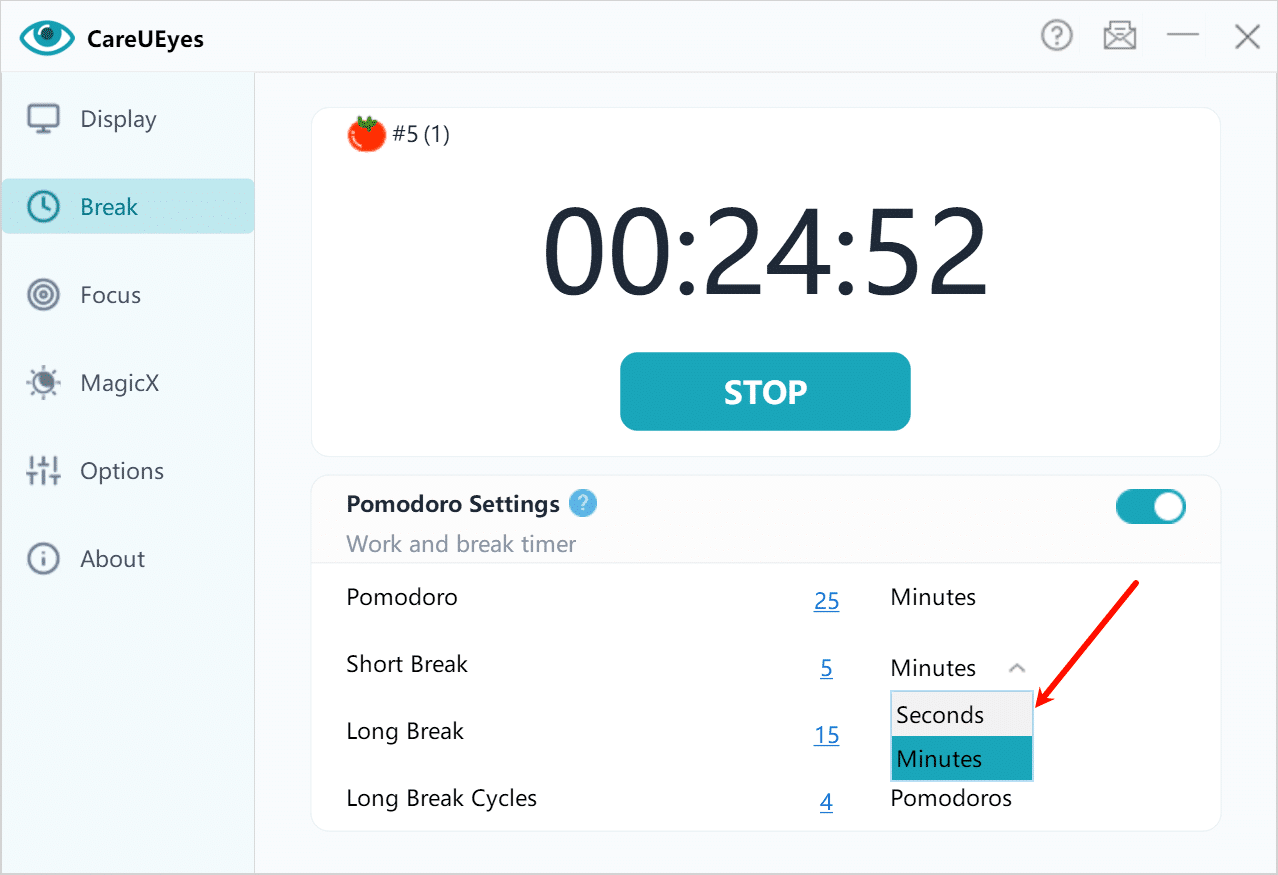
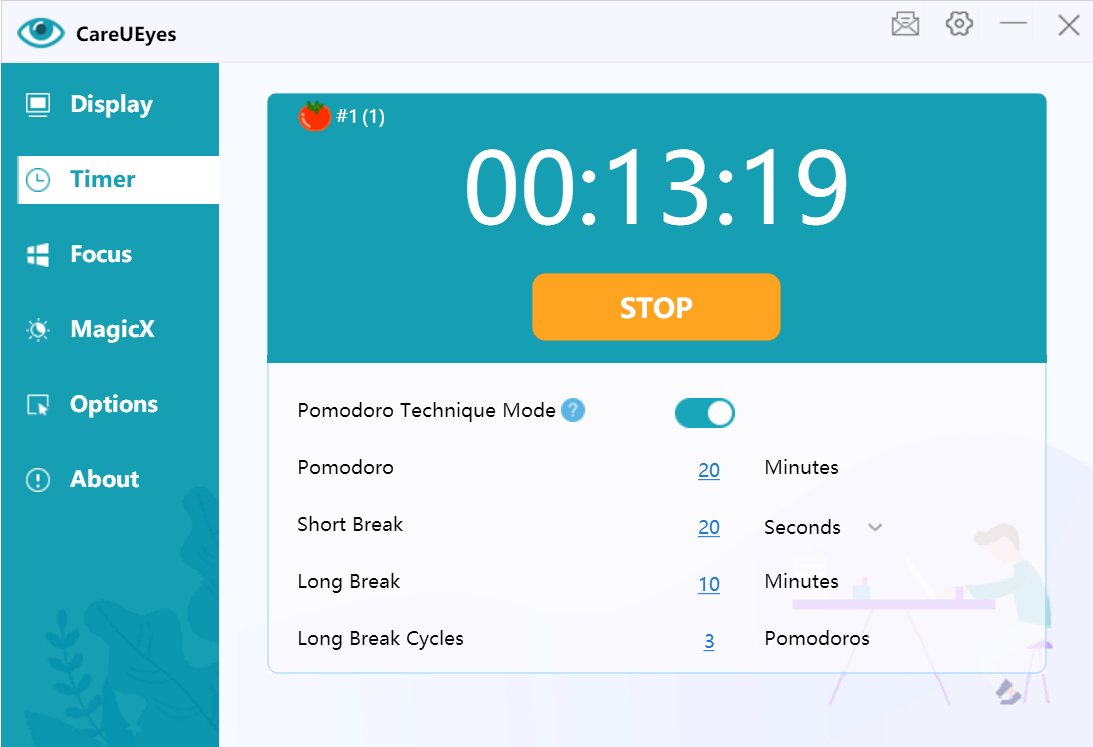
- Providing smart break reminders, including a lock screen break mode that helps you actually step away from the computer
- Supporting long and short break cycles
Unlike basic system settings, CareUEyes does more than simply change screen color. It can automatically adjust brightness and color temperature, reduce blue light, and use break reminders with lock screen support to help you rest your eyes consistently.
If you spend long hours in front of a computer, CareUEyes can make eye protection easier by combining screen adjustment and enforced rest breaks in one tool.
Final Thoughts on Eye Strain from Computer Use
Eye strain from computer use is extremely common—but also highly manageable.
The key is to:
- Understand the real causes
- Improve your habits
- Use the right tools
Combining simple adjustments with tools like CareUEyes can help you stay comfortable and productive.
Download CareUEyes
Eye Strain from Computer FAQ
What causes eye strain on PC?
Eye strain on PC is usually caused by prolonged screen time, improper brightness, and lack of breaks. Adjusting your screen settings and taking regular breaks can help reduce discomfort.
How long does eye strain from computer last?
It usually improves after resting your eyes, but repeated strain can make symptoms last longer.
Can computer eye strain damage your eyes permanently?
No, it typically doesn’t cause permanent damage, but it can affect comfort and productivity.
What helps eye strain fast?
Taking breaks, adjusting brightness, and looking away from the screen can provide quick relief.
Does Blue Light Cause Computer Eye Fatigue?
It can contribute, but it’s not the main cause—screen habits matter more.