(For Windows 11 / 10 / 8 / 7 / XP • PCs and laptops)
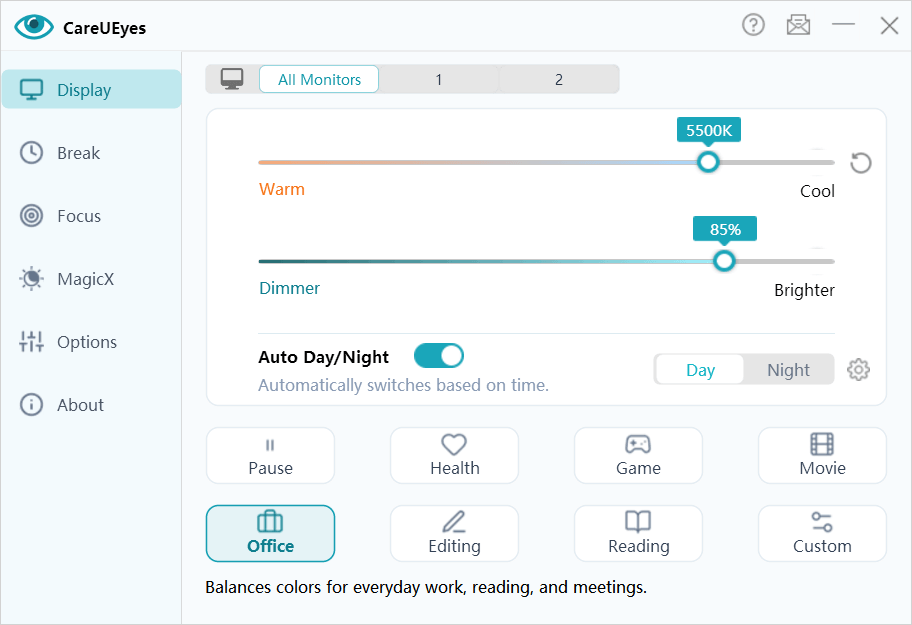
• Blue Light Filtering – Reduce harmful blue light and make your screen easier on your eyes.
• Preset Modes – Choose from multiple eye-care modes for different environments.
• Auto Day-Night Adjustment – Automatically adjust color temperature based on sunrise and sunset.
• Screen Brightness Control – Easily increase or lower screen brightness with precise 1% brightness control.
• External Monitor Brightness Control – Adjust brightness for external monitors or sync brightness across all displays.
• Auto Brightness – Automatically adjust brightness based on local sunrise and sunset.
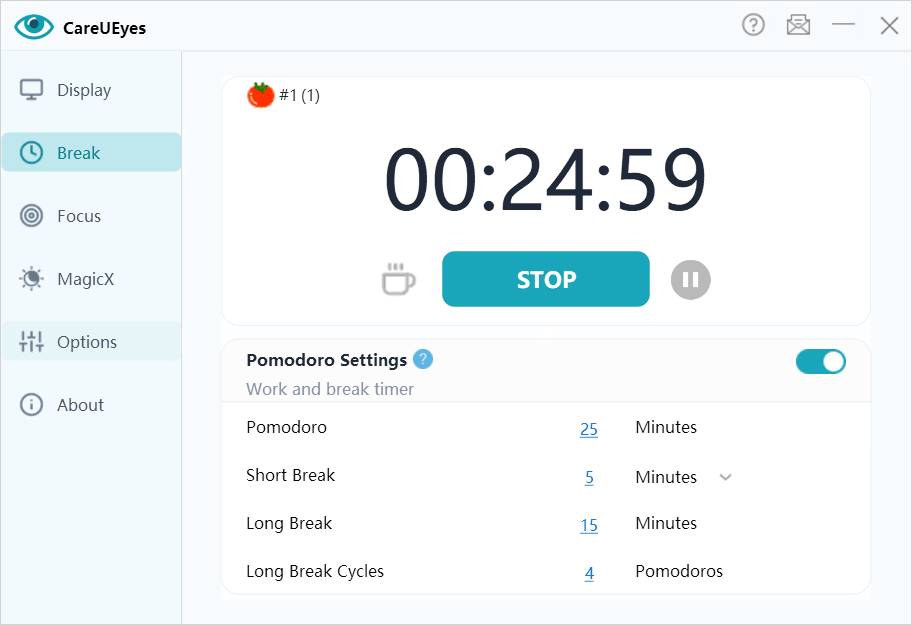
• Break Reminder – Get reminders to take regular breaks and reduce eye strain.
• Pomodoro Mode – Alternate work sessions with short and long breaks.
• 20-20-20 Rule – Follow the recommended 20-20-20 eye-care rule to relax your eyes.
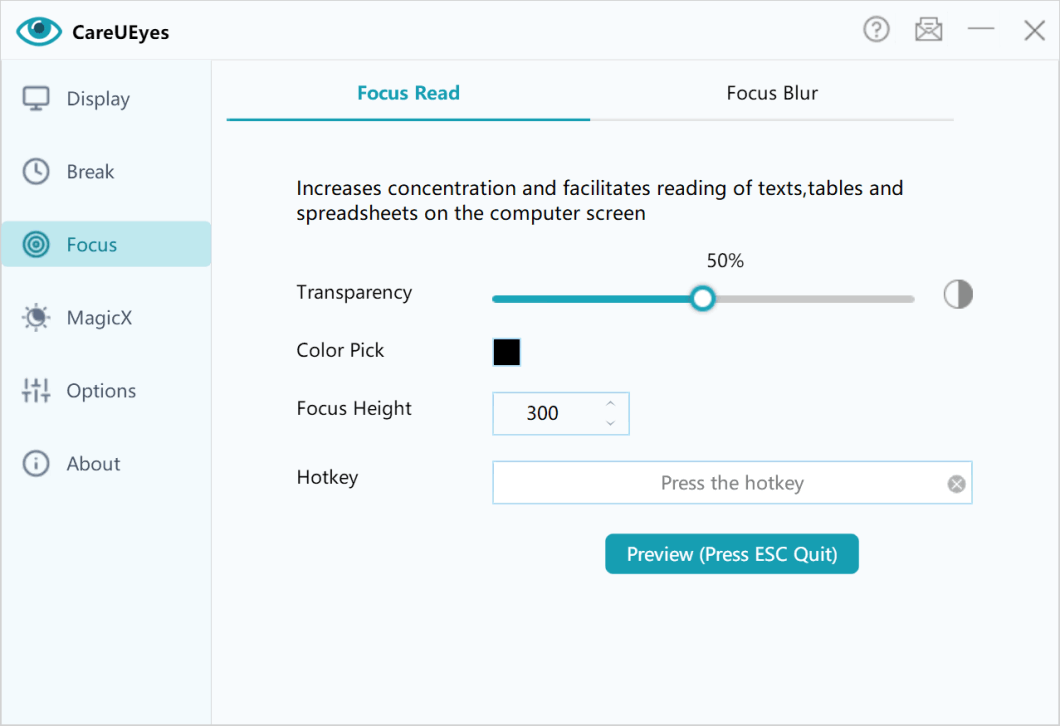
• Focus Read – Highlight reading areas to improve concentration.
• Focus Blur – Blur background windows to reduce distractions.
• MagicX – Darken or grayscale any window to improve readability and reduce visual distractions.
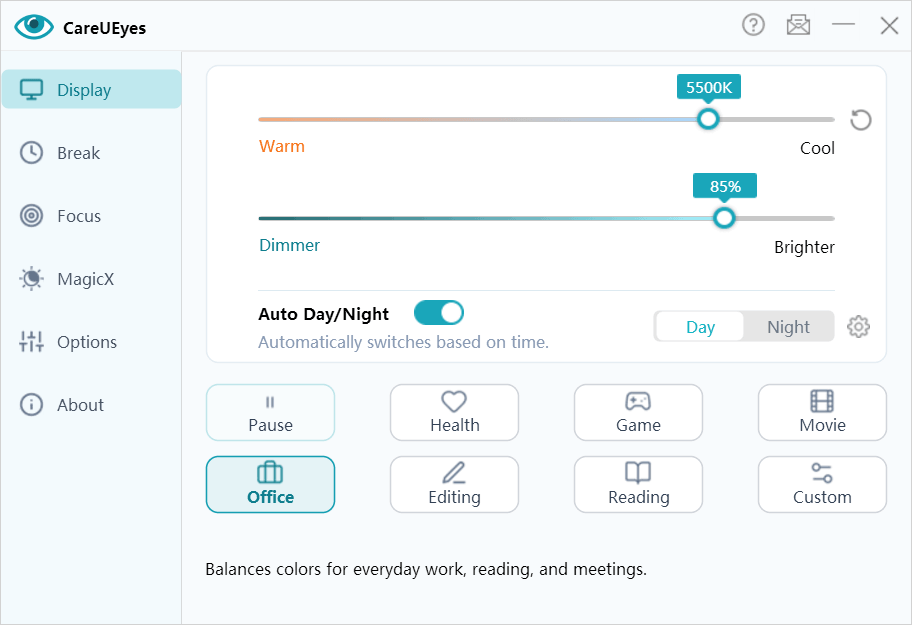
8 eye protection modes preset for Windows to automatically filter blue light and control brightness. You can also manually set the color temperature and brightness of the screen to reduce eye strain. Read more...
Our advanced screen dimmer supports multi-monitor independent adjustment, allowing for separate control of each monitor's color temperature and brightness. Read more...
Prevent eye strain with the 20-20-20 rule: Every 20 minutes, look at something 20 feet away for 20 seconds, the CareUEyes BreakTimer will intelligently remind you to take a break. Read more...
The 'Focus' feature allows you to customize the size and transparency of the reading area, which makes it easy to stay focused and improve productivity while reading.
Read more...
Automatically blur the background window and highlight the front window to keep you more focused and reduce the interference from other application windows.
Read more...
MagicX feature allows you to darken or grayscale any window. The dark mode is achieved by inverting the window colors, while the grayscale mode makes the window appear similar to a Kindle e-book.
Read more...
It's my eye saver. With several modes to choose from, and customizable brightness levels, my eyes no longer feel strained. Thank you so much for developing such as wonderful app!
I have very light-sensitive eyes and this software is just what I needed. Totally recommended. I can make the monitor as dark or light as I need or want. 😀
I was looking for a piece of software that would act like a dark mode you find on many apps and websites nowadays. After checking out the settings in the trial version, especially the dark mode which I was specifically after, I was so impressed I decided to pay for the lifetime license
Above all, you can adjust the screen brightness and color repair. And of course, that you are reminded to take a screen break at certain (self-chosen) intervals.
Excellent eye protection, especially if you need to be working for several hours on the computer.
Awesome software. It has a great range of auto settings that just work perfectly out of the box. It's a must have program 10/10.